
 Home
Home About
About Product
 News
News  Media channels
 Guide
GuideIn the era of rapidly developing technology, cashless payment methods are becoming increasingly popular in Japan. Among them, PayPay is becoming the most popular electronic payment application in Japan with over 50 million users. This article will guide you in detail on how to register for PayPay and link your bank account so you can enjoy a more convenient life in the land of the rising sun.

What is PayPay? Should I use PayPay in Japan?
PayPay is the leading electronic payment application in Japan, developed by SoftBank Corp and Yahoo Japan. Launched in 2018, PayPay has quickly dominated the mobile payment market thanks to its convenience and many attractive incentives.
With over 50 million registered users and acceptance at over 3.7 million stores across Japan, PayPay is not just a regular payment app but also an indispensable tool in the daily lives of Japanese people. So what are the special advantages of the PayPay app that make Japanese people trust it?
Convenience of cashless payment
One of the main reasons why PayPay registration is so popular is its superior convenience in payment. Instead of having to carry a lot of cash or credit cards, you only need a smartphone to make all transactions.
PayPay supports QR code payments at most convenience stores such as 7-Eleven, FamilyMart, Lawson, as well as at major supermarkets such as AEON, Don Quijote, and thousands of restaurants and cafes across Japan. Payment takes just a few seconds by scanning the QR code or having the staff scan the code on your phone.
Lots of cashback offers
PayPay is famous for its attractive promotions and cashback programs. The application regularly organizes cashback campaigns from 0.5% to 20% for payment transactions.
Popular incentive programs include:
- PayPay Jumbo: Chance to win 100% cashback on transaction value
- PayPay Step: Increase cashback rate based on usage and monthly payment amount
- Special promotions at major chains such as Uniqlo, McDonald's, Starbucks
- Cashback on electricity, water, gas bills
These offers not only save money but also make for a more enjoyable shopping experience, making learning how to sign up for PayPay a must for anyone living in Japan.
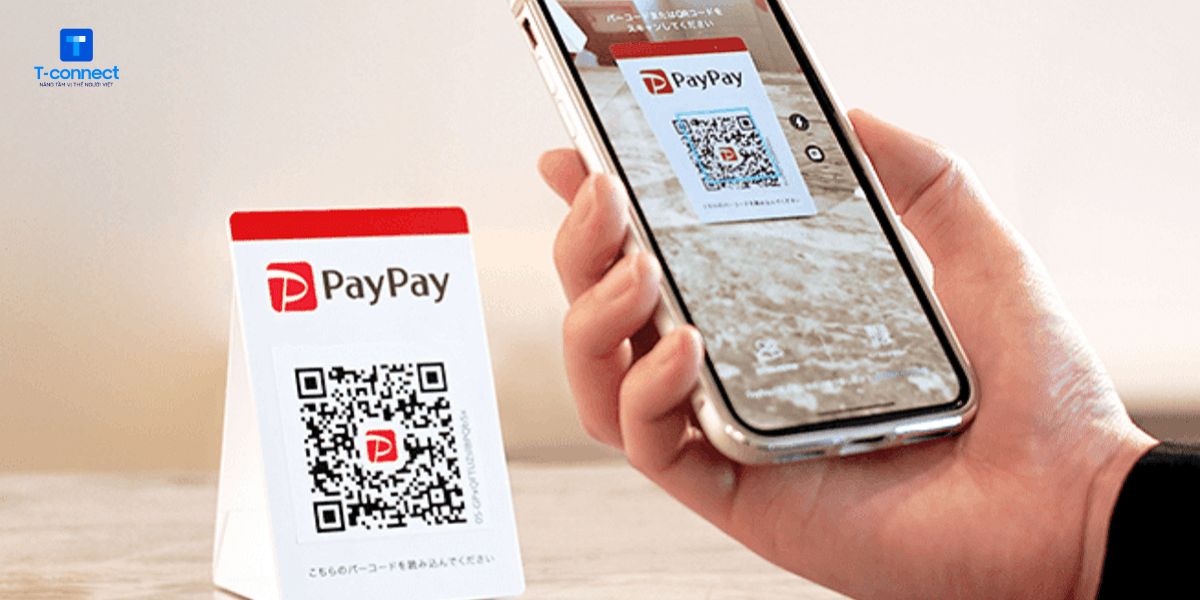
Easy to link to bank account
PayPay supports direct links with many banks in Japan such as Japan Post Bank, MUFG, Mizuho, Rakuten, etc. This makes it easy for you to top up, transfer money or control spending right on the app without having to open a separate banking app.
The Auto Charge feature allows you to automatically top up your PayPay when your balance is low, ensuring you always have enough money to pay without worrying about running out of money mid-way. You can also link your credit card to pay directly or top up your PayPay wallet.
How to register PayPay step by step
If you are a foreigner living, studying or working in Japan, you can easily register and use PayPay with just a few simple steps below.
Step 1: Download the PayPay app to your phone
The first step in how to sign up for PayPay is to download the official app from the App Store (iOS) or Google Play Store (Android). Make sure you download the official app called “PayPay-ペイペイ(簡単、お得なスマホ決済アプリ)” to avoid fake apps. Here is the official app download link:
Important Note: To successfully register for PayPay, you need to have an active Japanese phone number because the system will send a verification code via SMS.
Step 2: Register with phone number
Open the PayPay app and you will see a screen asking you to enter your phone number to create an account. PayPay only accepts Japanese phone numbers (starting with 080, 090, 070) to ensure security and compliance with legal regulations.
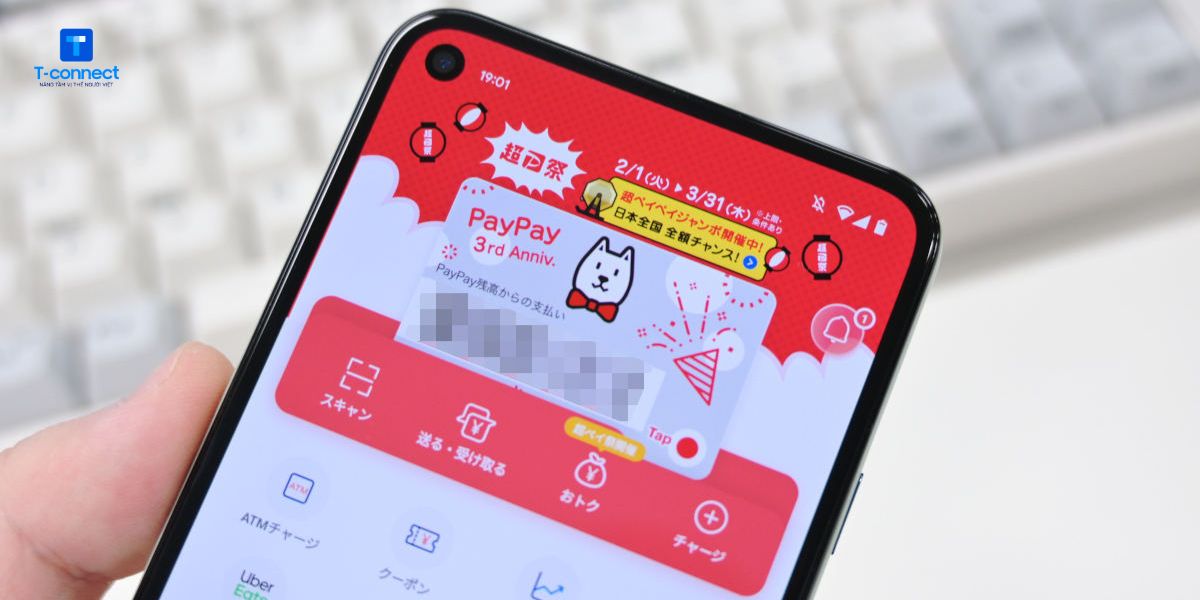
After entering your phone number, you need to create a password of at least 8 characters, including letters and numbers. This password will be used to log in to your PayPay account and make important transactions.
The system will also ask you to agree to PayPay's terms of use and privacy policy. Please read these terms carefully before clicking “同意して登録” (Agree and register).
Step 3: Enter the verification code and complete registration
The final step in how to register for PayPay is to verify your phone number via SMS code. PayPay will send a 4-digit code to your registered phone number within 1-2 minutes.
Enter the verification code into the app and tap “認証する” (Verify). If you do not receive the code, you can request it to be resent after 60 seconds. Once the verification is successful, you can start using the basic features of the app.
How to link a bank account or credit card
After completing the PayPay registration, the next important step is to link a payment method so that you can deposit and use PayPay conveniently.
To link a bank account, go to “お支払い方法” (Payment method) in the PayPay app. Select “銀行口座を追加” (Add bank account) and select your bank from the list. PayPay supports more than 100 banks in Japan, including major banks and local banks.
For credit cards, you can link Visa, Mastercard, JCB cards issued by Japanese banks. Enter the card number, expiration date, CVV security code and cardholder name. PayPay will perform a small verification transaction to ensure the card is working properly.
Note: Some banks require you to enable “Internet banking” before you can link to PayPay.
Notes when using PayPay
Using PayPay is generally very simple and safe, but you should also keep in mind a few points below to avoid unnecessary trouble:
- Keep your account information secure, enable biometric authentication (fingerprint or Face ID) if your phone supports it for added security.
- PayPay only supports linking with domestic Japanese bank accounts, cannot use international cards or bank accounts.
- To top up quickly, you can use Japan Post ATMs or combini that support QR codes.
- In case of losing your phone, you should log in to PayPay from another device to lock your account or change your password immediately.
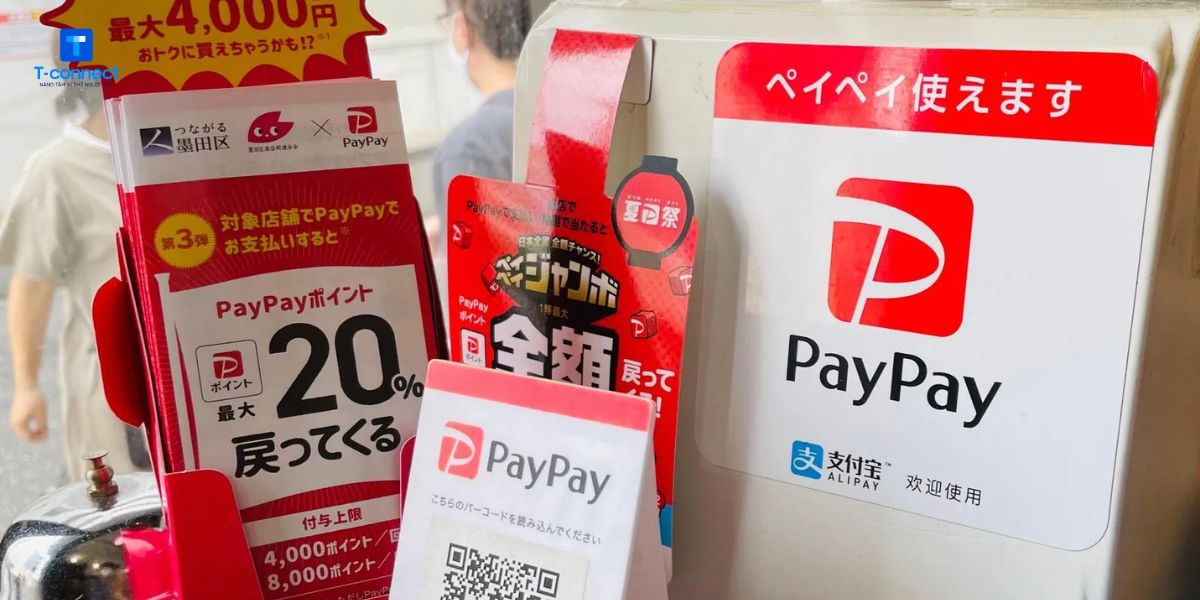
Frequently asked questions when registering for PayPay
Can I register PayPay with a foreign phone number?
Currently, PayPay only accepts Japanese phone numbers for registration. This is due to legal regulations and identity verification requirements in Japan.
Can foreigners without Japanese credit cards use PayPay?
You do not need a credit card to use PayPay. Instead, you can link a Japanese domestic bank account or choose to deposit cash at convenience stores (combini) that support PayPay.
Does PayPay charge any usage fees?
Signing up and basic use of PayPay is completely free. However, some services, such as transferring money to a bank account, may incur a small fee.
Can I use PayPay abroad?
PayPay is primarily designed for use in Japan. While the app may work overseas, you won't be able to pay at stores outside of Japan.
Do I need a residence card (在留カード) to register for PayPay?
To sign up for PayPay, you only need an active Japanese mobile phone number. However, if you want to link a bank account or verify your identity to increase your transaction limit, then in
PayPay is a smart, fast and secure payment option in Japan. With the detailed instructions on how to register for PayPay in this article, we hope you can easily install, use and enjoy the benefits that this e-wallet brings. Especially, if you are living and working in Japan, using PayPay will make your daily life much more convenient and economical.
—
When you live in Japan, choosing the right telecommunications service is just as important as choosing an e-wallet. T-connect is a brand specializing in providing SIM cards and telecommunications solutions specifically for the Vietnamese community in Japan. From high-speed, easy-to-register SIM cards to economical packages, T-connect helps you stay connected anytime, anywhere – especially when you need to use data to pay via apps like PayPay. With a Vietnamese support team and a simple registration process, T-connect is a reliable companion for all Vietnamese students and workers in Japan.

T-connect & DCOM signed a cooperation agreement to enhance digital experiences for the Vietnamese user community in Japan.
On November 17, 2025, T-connect & DCOM officially signed a [...]
ANSWERS TO FREQUENTLY ASKED QUESTIONS WHEN PAYING FOR MY T-CONNECT WITH DCOMPAY
T-Connect officially cooperates with DCOM, launching DCOMPay payment method [...]
T-CONNECT CUP 2025 FOOTBALL TOURNAMENT REGULATIONS – CELEBRATION OF T-CONNECT'S 6TH ANNIVERSARY
The T-connect Cup 2025 football tournament is one of the sporting events [...]
Should I stay in Japan or return to Vietnam? 5 perspectives to help you make the right choice
After many years of studying and working in Japan, many people [...]
Which apps should Vietnamese people in Japan download? 15 essential apps when in Japan
Living, studying or working in Japan always comes with many [...]
5 tips to ship goods from Vietnam to Japan cheaply and safely
The demand for shipping goods from Vietnam to Japan is increasing, especially [...]
What do you need to prepare when converting your Japanese driver's license to Vietnam's? 7 important documents
While living and studying in Japan, many Vietnamese people have [...]
How does Japan handle waste? 5 waste treatment technologies in Japan that surprise the world
Japan is known as a country with a waste management system [...]